Water Jet Cutter
Water Jet Cutter
About
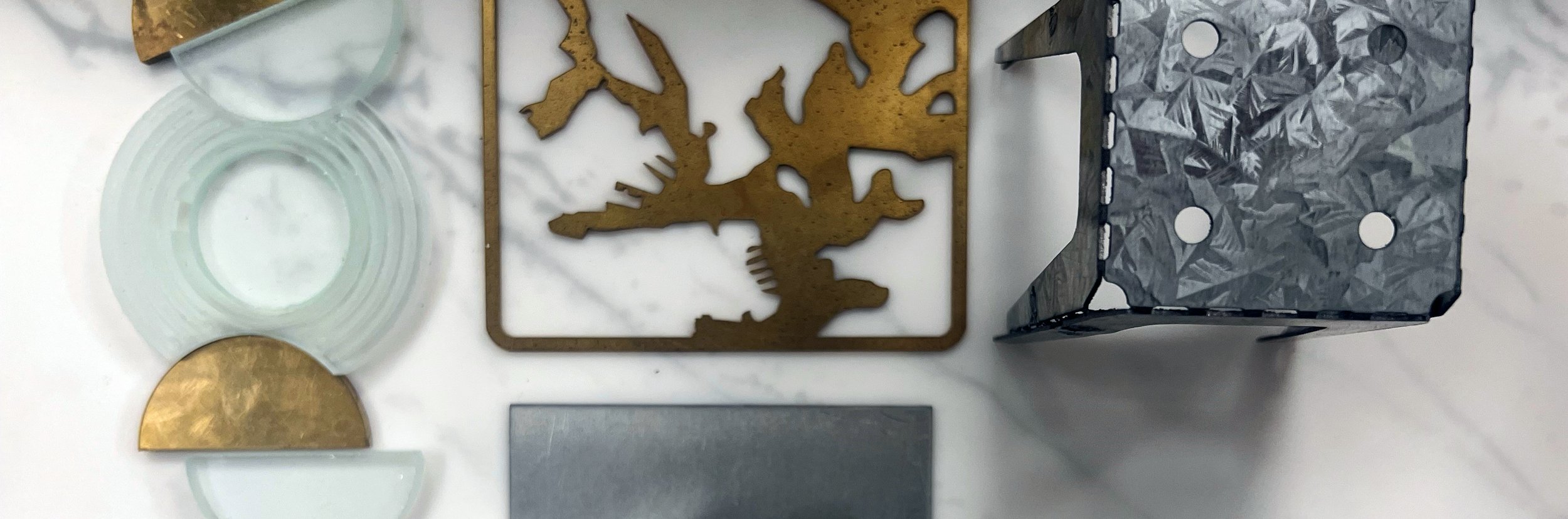
The DMaF Lab Metal Lab has a ProtoMAX Water Jet Cutting machine. It cuts through sheet materials using a high-pressure jet of water mixed with abrasive mineral particles.
The advantage of the Water Jet is that it can cut through extremely hard materials with a precision and detail that would be hard to fabricate otherwise.
DMaF stocks pre-cut sheets of copper, brass, aluminum and mild steel.
You are welcome to bring in your own materials; please discuss this with our technical staff to confirm suitability.
Cost
The Water Jet costs $1 per minute of cutting time, plus material costs.
Before we cut, the ProtoMAX MAKE software will provide an accurate cut time for your file.
How to Access
You will need to prepare your own OMX cutting files for the Water Jet Cutter.
Files can be submitted by the form further down this page.
Visit the Water Jet Cutter page on the DMaF Hub on Canvas for detailed instructions on how to set up and prepare a file.
Consultations
For advice on the Water Jet cutter please visit the DMaF Lab in-person during our opening hours.

Water Jet File Submissions
ProtoMax Specs
Maximum Bed Size: 300x300mm
Materials:
Aluminium, Zincanneal, Brass, Copper, Steel
Material Price Guide
Pre-cut to fit 300 x 300mm cutting bed. Please check stock and current price in DMaF.
Zincanneal (Steel)
0.7mm - $8
1.9mm - $20
Aluminium
0.6mm - $20
1mm - $25
3mm - $35
6mm - $50
Brass
1.2mm - $45
3mm - $80
Copper
1.2mm - $45
3mm - $80
Mild Steel
2mm - $25
3mm - $30
Before submitting a file
Ensure the following steps are completed before submitting a CNC submission form:
You must have completed the DMaF Lab Online Site Induction in your DMaF Lab Hub (Canvas) prior to accessing the Water Jet Cutter.
Follow the file preparation instructions in the Water Jet Cutter training module (Canvas) to produce an OMX file of your cutting path in ProtoMAX LAYOUT.
You can also calculate your cutting time and cost in ProtoMAX MAKE by following the Canvas module.
Booking Process
Once you have prepared your programmed ProtoMAX LAYOUT file (.OMX), follow these steps:
Email your file and any details about it to adp.dmaf@sydney.edu.au and we will notify you with a quote.
Visit the lab to discuss your file with the technical staff and book a cutting appointment.